
Let’s be brutally honest for a second.
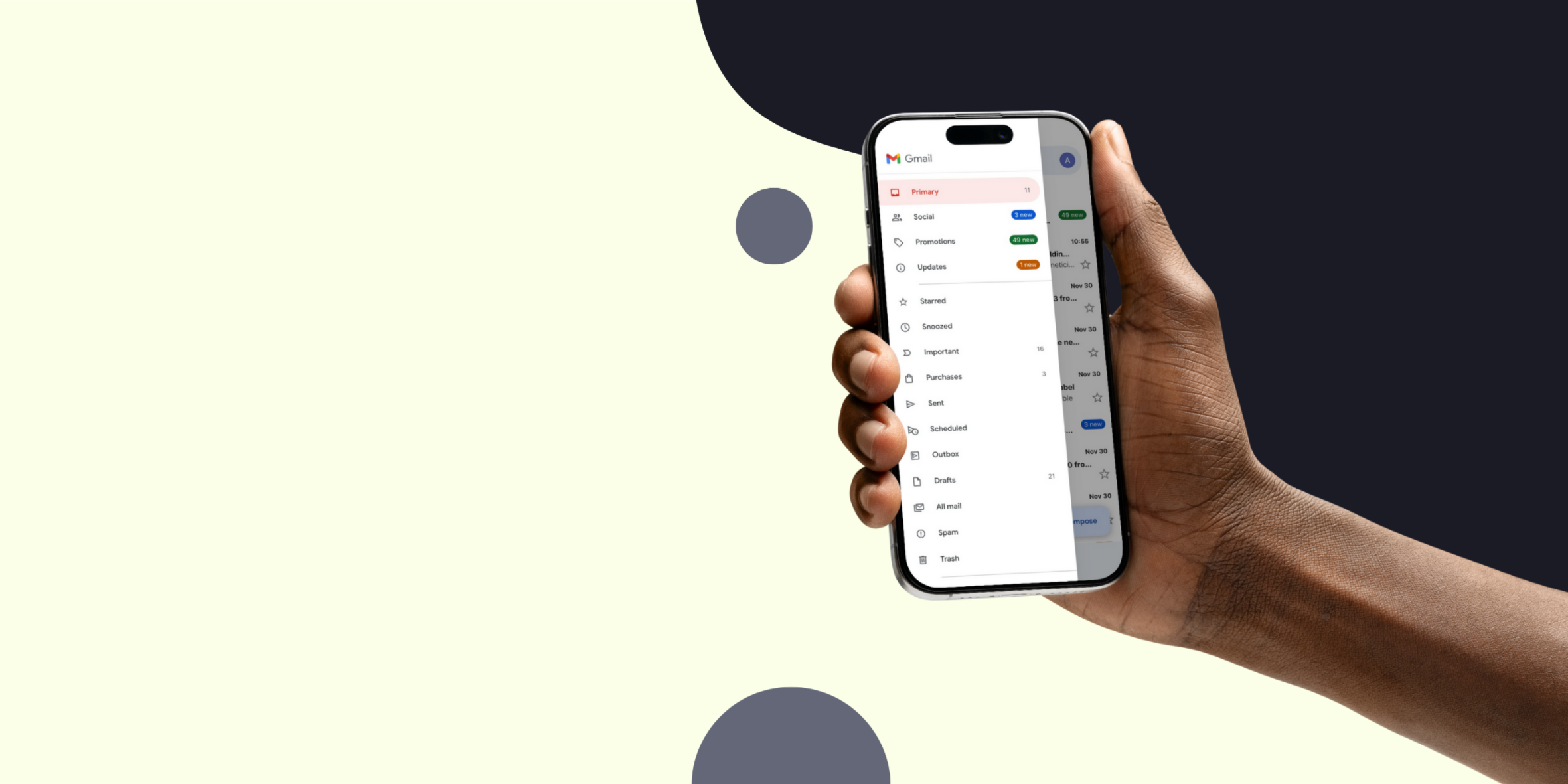
It’s 7:15 AM. You’re half-asleep. One eye is open, the other refuses to cooperate. You reach for your phone to dismiss your alarm — and what happens next?
You swipe through a few notifications… Instagram… LinkedIn… and then email.
You start deleting.
Swipe. Archive. Swipe. Delete.
You don’t even open half of them — you just glance at the sender and the first three words.
And poof — hours of someone else’s “perfect” email copy vanish forever.
Now flip the script.
You’re the sales rep. You spent three hours yesterday crafting the ultimate cold email on your shiny MacBook Pro. You perfected the layout, aligned your signature, even added a beautiful little chart to show ROI.
It looked glorious on your 27-inch monitor.
But here comes the painful truth:
Your prospect isn’t reading emails on a 27-inch monitor.
They’re reading them:
- On a cracked iPhone
- In a Starbucks line
- In an Uber
- Or yes… sitting on a toilet
- With 5% battery
- Using Dark Mode
- With one thumb
If your cold email isn’t built for that chaotic, tiny-screen environment, you’re not just losing opens — you’re losing money.
I’ve reviewed a ridiculous amount of outreach data over the years, and the pattern is obvious:
We live in a mobile-first world.
But most sales teams still write desktop-first emails.
This guide fixes that. No fluff, no theory — just tactics that work.
Grab a coffee. (Or a beer. No judgment.)
1. The Subject Line Trap: Size Actually Does Matter
On your laptop, long subject lines feel safe. Roomy. Professional.
“Touching base regarding the partnership opportunity for Q4 marketing strategies.”
Looks polished, right?
On mobile?
You get maybe 35–45 characters before it gets chopped.
Your prospect sees:
Touching base on the part…
Useless. Generic. Snooze-inducing.
Fix → Front-Load the Value
Put the most meaningful words at the start. Think newspaper headlines from the 1920s: every character costs money.
Bad:
Quick question about payroll systems and how you handle them
Good:
Payroll systems question
Better:
Payroll problems?
Short, sharp, fits on mobile.
Also: lowercase subjects like “quick question” outperform capitalized ones. They feel human, not robotic.
If you need help crafting cold emails that don’t feel cold, read this:
👉 https://onurgenc.com/how-to-craft-a-cold-email-that-doesnt-feel-cold/
2. The Preheader: The Most Underused Sales Weapon
The preheader is that grey preview text under your subject.
Ignore it, and you get:
“Hi John, hope you’re doing well…”
or
“View this email in browser | Unsubscribe”
You just wasted premium real estate.
Fix → Treat Subject + Preheader as One Sentence
Subject: Competitor analysis
Preheader: Noticed you lost traffic to X — here’s why
That’s curiosity. That’s a click.
If you want more storytelling angles (which pair well with preheaders), check out:
👉 https://onurgenc.com/how-storytelling-can-enhance-your-cold-emails/
3. The Wall of Text Problem
Your product is complicated — I get it. You want to explain benefits, features, pricing, social proof…
So you write a “small” paragraph on your laptop.
On mobile?
That same paragraph becomes a 12-line brick.
When a mobile brain sees a wall of text, it taps out. Literally.
Delete.
Fix → The “One Idea Per Line” Rule
Use white space aggressively.
- 1–2 sentence paragraphs
- Bullet points
- Lots of line breaks
- Make the email scannable, not readable
Cold emails are skimmed, not studied.
Want to know the optimal email length?
👉 https://onurgenc.com/how-long-should-a-cold-email-be-the-ideal-length/
4. Dark Mode: The Silent Conversion Killer
Over 80% of mobile users use Dark Mode.
That means:
- Your logo might vanish if it’s black on transparent
- Your email may show weird white boxes behind text
- Copied Google Docs formatting can break everything
Fix → Design for Both Modes
- Clean plain-text formatting
- Logos with a subtle outline
- Avoid heavy HTML signatures
- Test in real inboxes
If you care about staying out of Promotions/Spam when using HTML, read this:
👉 https://onurgenc.com/how-to-make-sure-your-cold-email-lands-in-the-main-inbox-in-2025/
5. The Thumb Zone & CTAs
UX designers talk about the “Thumb Zone” — the area reachable with one thumb.
If your CTA is a tiny inline hyperlink buried in a paragraph, you’re basically asking prospects to perform orthopedic thumb surgery.
Fix → Make CTAs Stand Alone
Put your link on its own line:
Link:
https://your-case-study-or-calendly.com
Give it breathing room.
If you want help crafting irresistible CTAs, start here:
👉 https://onurgenc.com/how-to-craft-an-irresistible-call-to-action-in-cold-emails/
6. Images & Signatures: Keep It Lean
Fancy HTML signatures look incredible… on desktops.
On mobile, they:
- Take up multiple screens
- Don’t load on slow connections
- Trigger “Promotions” filtering
- Distract from your message
Fix → Text-Based Signatures Win
Keep it simple:
Name
Title
One link
If you’re thinking about adding too many links, read this first:
👉 https://onurgenc.com/should-you-add-links-to-cold-emails-the-real-pros-and-cons/
7. The Squint Test (Your New Best Friend)
Do not rely on preview windows in Outreach, HubSpot, Apollo, etc.
They’re simulations.
Fix → Send It to Yourself
- Send to your Gmail
- Send to Outlook
- Open it on your actual phone
- Turn on Dark Mode
- Hold your phone at arm’s length
- Squint
If you can still see:
- The point
- The CTA
- The structure
- The purpose
…then it’s mobile-ready.
If not? Rewrite.
Bigger Picture: Mobile Email Is About Empathy
Sales isn’t about blasting features.
It’s about understanding your prospect’s reality:
They’re overwhelmed.
They’re busy.
They’re on their phones.
They’re skimming.
They’re multitasking.
Your email is competing with social media dopamine hits.
Writing mobile-first isn’t about design — it’s about respecting their time.
If you want to dive deeper into cold emailing fundamentals, here are more resources you can plug into your workflow:
- B2B vs B2C differences: https://onurgenc.com/cold-emailing-in-b2b-vs-b2c-key-differences/
- Best times to send cold emails: https://onurgenc.com/best-times-to-send-cold-emails-timing-your-outreach/
- Handling objections: https://onurgenc.com/how-to-handle-objections-in-cold-emails/
- Is cold emailing still alive in 2025? https://onurgenc.com/is-cold-emailing-dead-why-its-still-relevant-in-2025/
- Ethical outreach: https://onurgenc.com/the-ethics-of-cold-emailing-balancing-persistence-with-respect/
- Humor in cold emails: https://onurgenc.com/using-humor-in-cold-emails-when-it-works-and-when-it-doesnt/
- Researching prospects: https://onurgenc.com/how-to-research-prospects-for-cold-emails-that-actually-get-replies-2025-guide/
- Using data to improve results: https://onurgenc.com/how-to-use-data-to-improve-cold-email-results-cold-email-metrics-guide/
- Follow-ups that don’t feel weird: https://onurgenc.com/how-to-follow-up-after-a-cold-email-without-feeling-weird-about-it/
Final Word
Next time you write a “perfect” cold email on your laptop… stop.
Picture the real reader:
Standing in an airport line.
Phone at 5%.
One thumb scrolling.
Brain half-engaged.
Write to that person.
If you can win their attention there, you can win it anywhere.
Now go fix your templates.
You’re officially mobile-dangerous. 🫡